Showcase
Built with SwiftTUI.
Real, non-trivial terminal apps, every one a maintained example in swift-tui-examples you can clone and run with a single
command. Then the encore: one component gallery, rendered by every host
the same views can travel to.
Example apps
Built in the open.
Maintained example apps from swift-tui-examples. Each builds
from a fresh clone with one command.
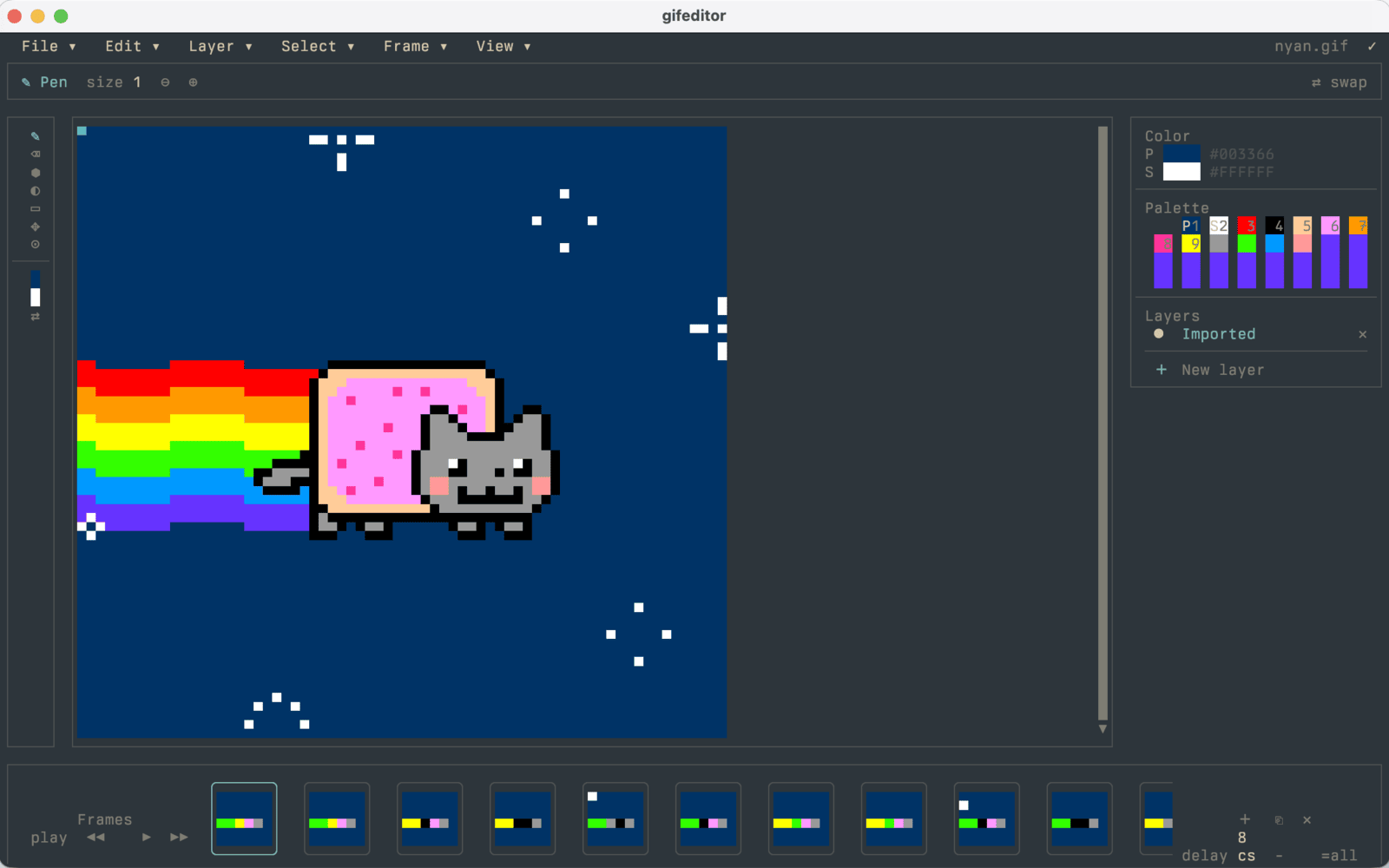
GIF Editor
Canvas, layers, timeline, and undo/redo in the terminal.A GIF editor written as ordinary SwiftTUI views. Paint on a canvas, edit layers, scrub a timeline, and export animated GIFs with finite or continuous playback. Preview and export honor the authored total play count.
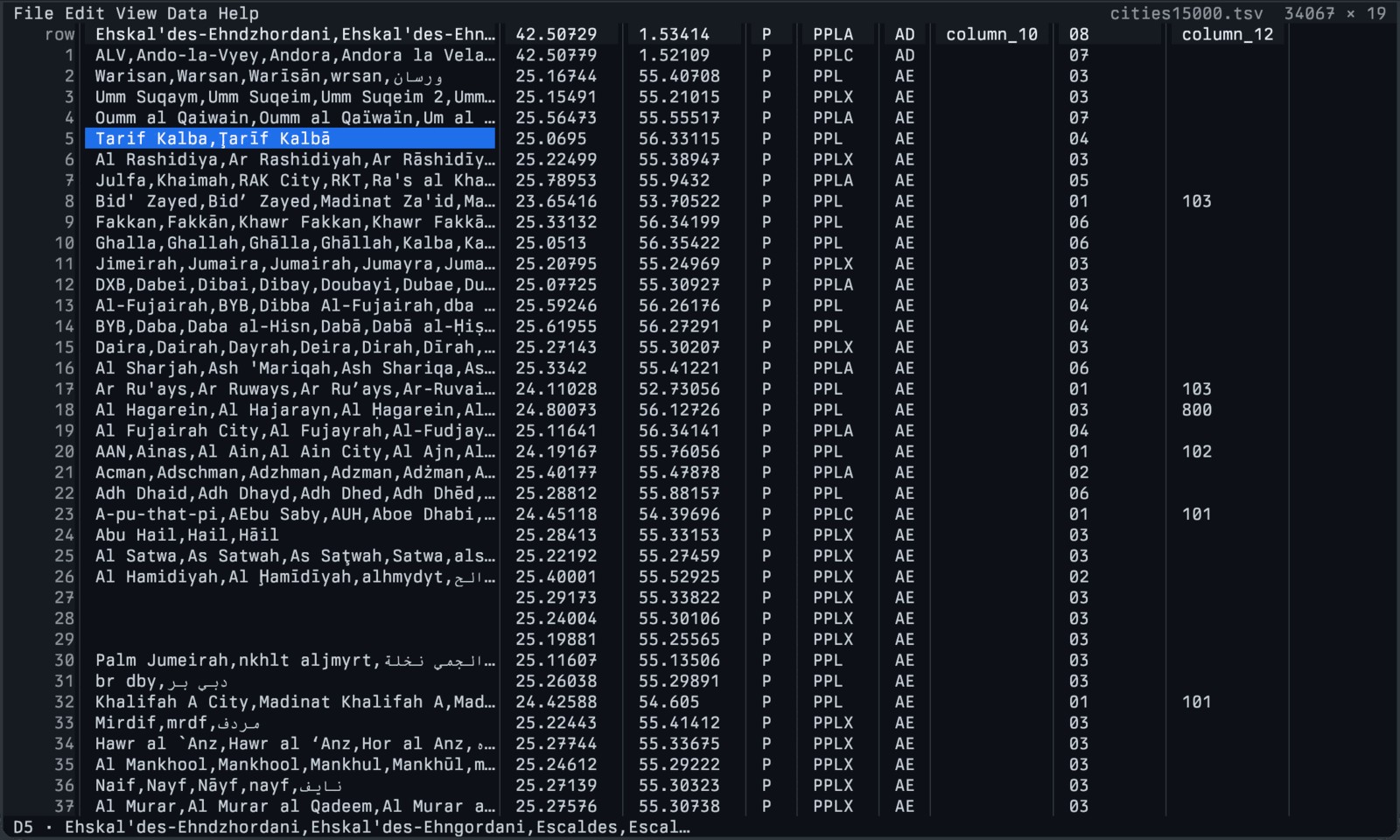
csvui
A viewer-first CSV/TSV workbench.It indexes the source bytes once and decodes only the rows the viewport needs, so a 34,000-row GeoNames city table stays responsive. Sparse editing, search, filtering, sorting, file watching, and safe atomic saves.
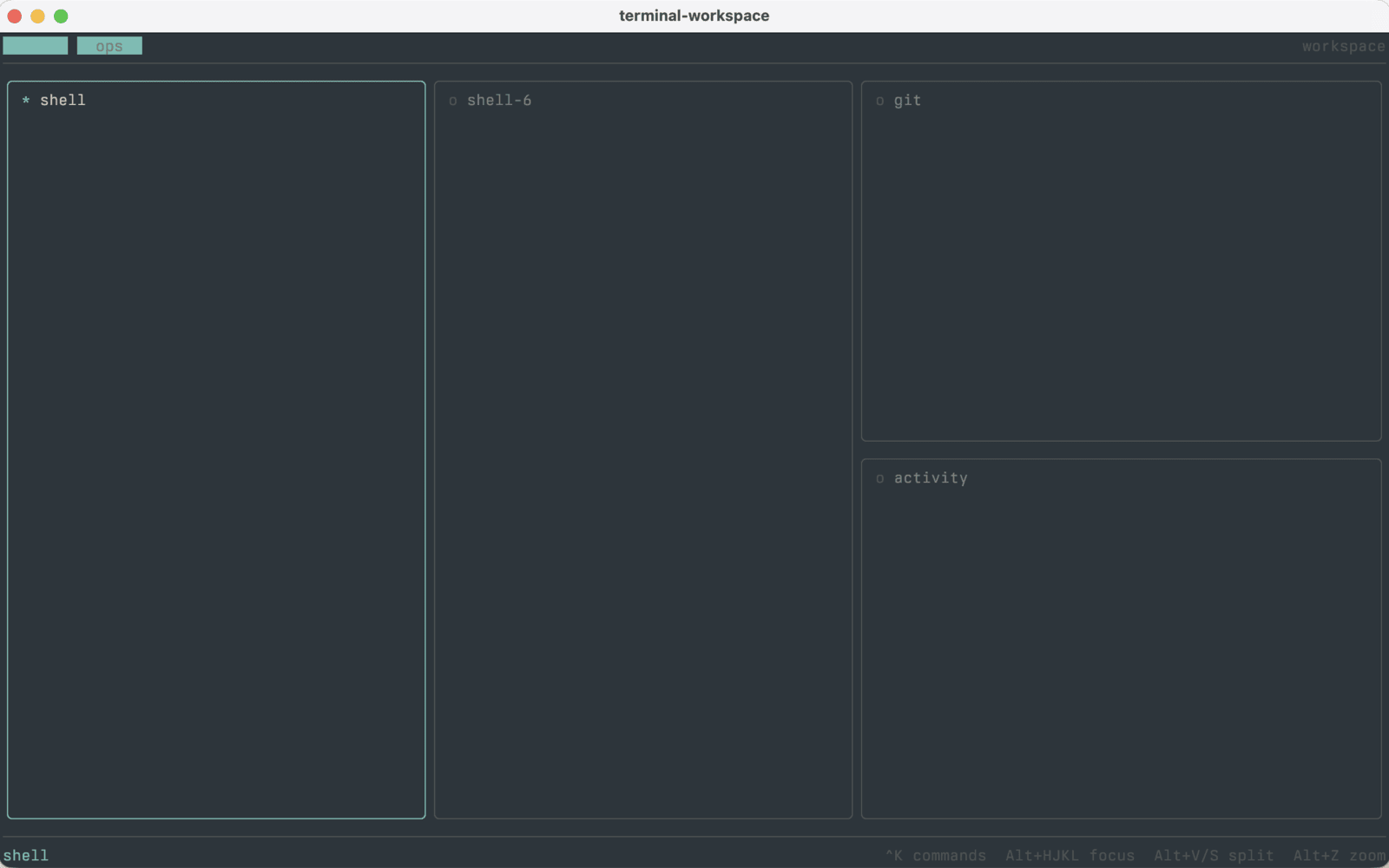
Terminal Workspace
Zellij-style tabs, splits, and a command palette.Multi-pane terminal workspace built on SwiftTUITerminalView. Persisted layouts, focused chrome, a command palette, and embedded PTY sessions from the separate terminal-view package.
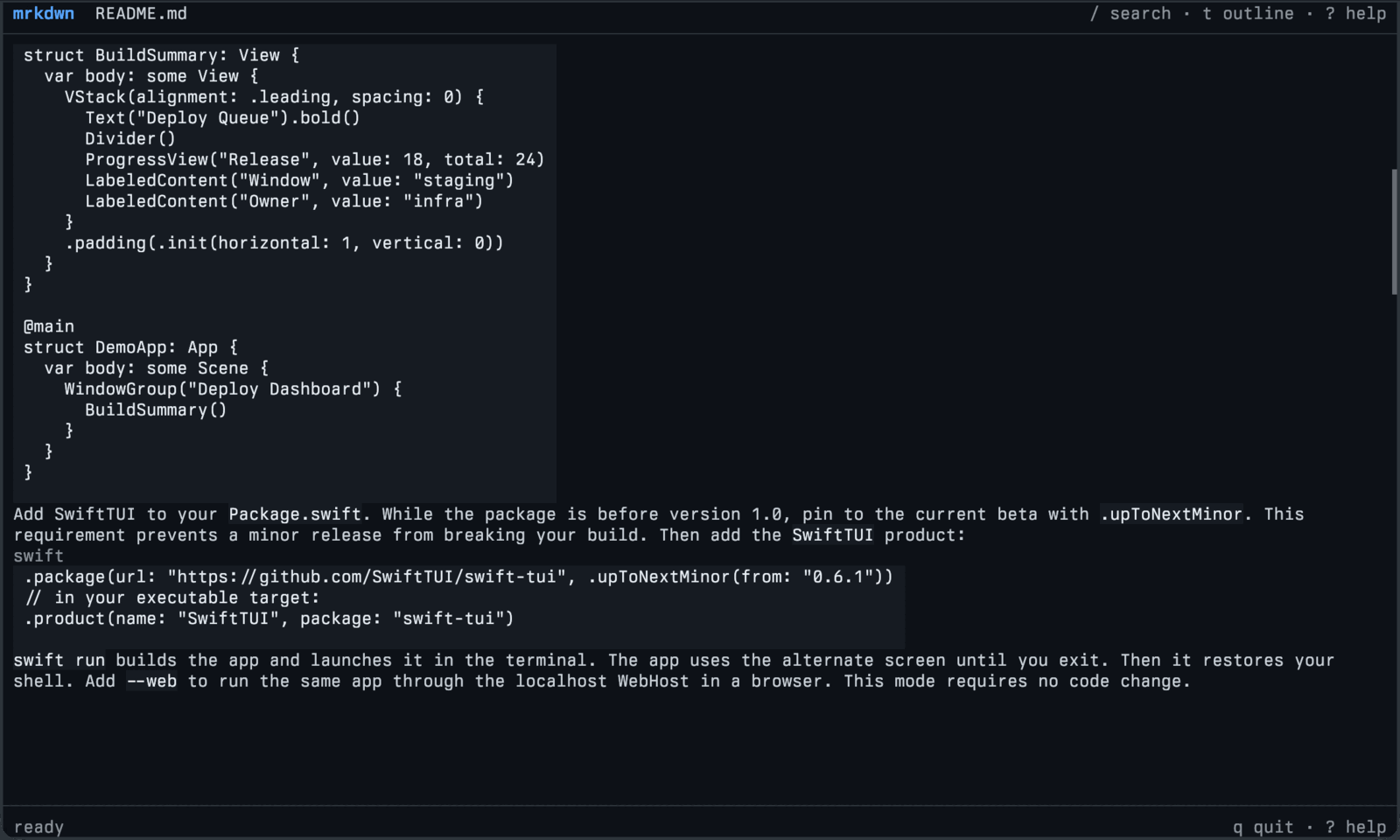
mrkdwn
Markdown as a responsive terminal document.A terminal Markdown reader built on swift-markdown: navigation, bounded search, theming, live reload on file changes, and inline images, shown here reading the SwiftTUI README.
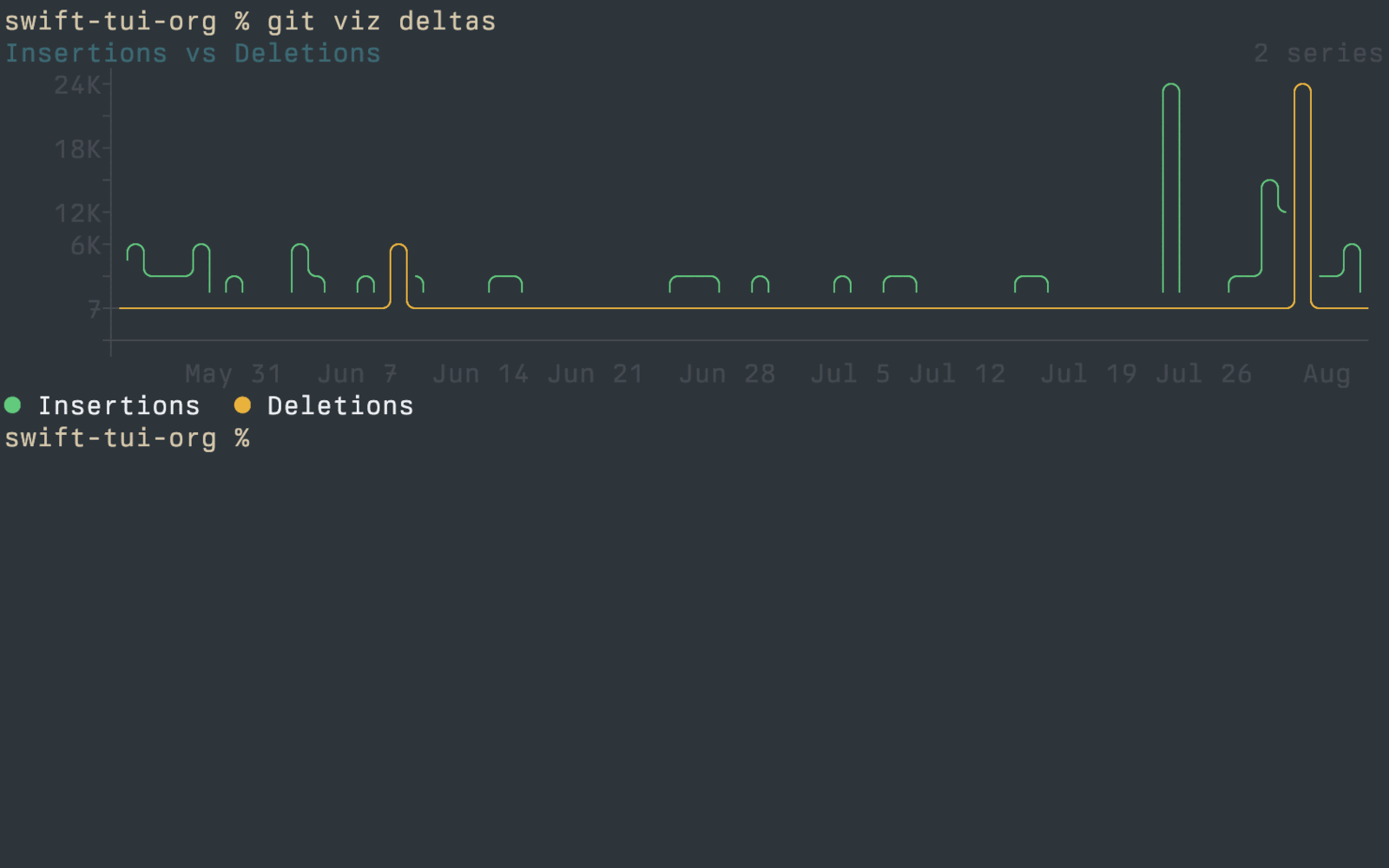
git-viz
Every SwiftTUICharts primitive against a real repo.Seventeen subcommands render BarChart, ColumnChart, StackedBarChart, ComparisonChart, LineChart, Sparkline, Timeline, HeatStrip, CalendarHeatmap, BulletChart, ThresholdGauge, Meter, and Legend against the git history of whatever repo you point it at. Dashboards in a terminal.
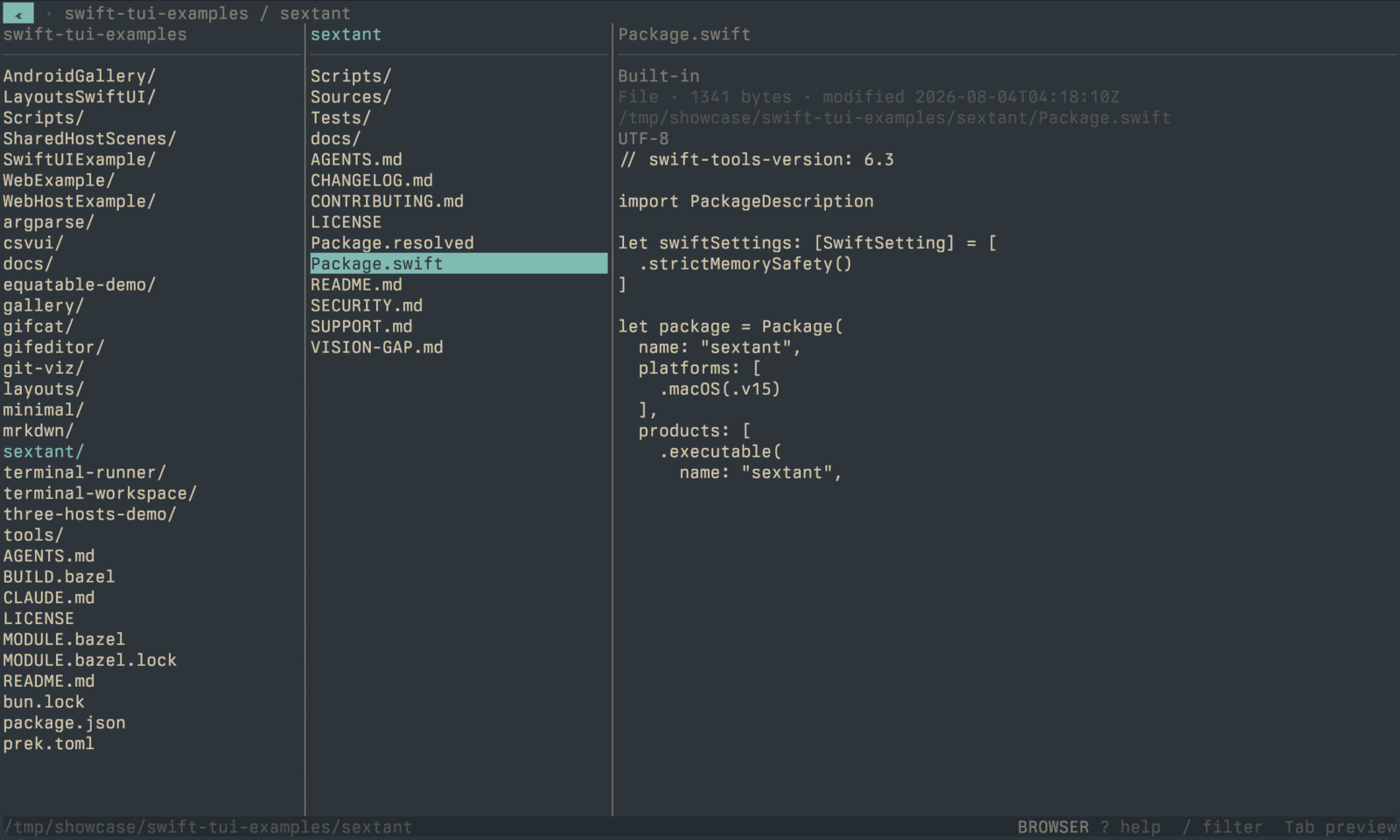
Sextant
Miller-column file browsing with inline previews.Navigate directory columns with bounded text, binary, metadata, and directory previews, then open or edit the file when you have your bearing, here pointed at the swift-tui-examples checkout.
Beyond the terminal
One gallery. Every host.
The same gallery-demo view, drawn by the terminal and by
each host it can travel to. Terminal first, not terminal only.
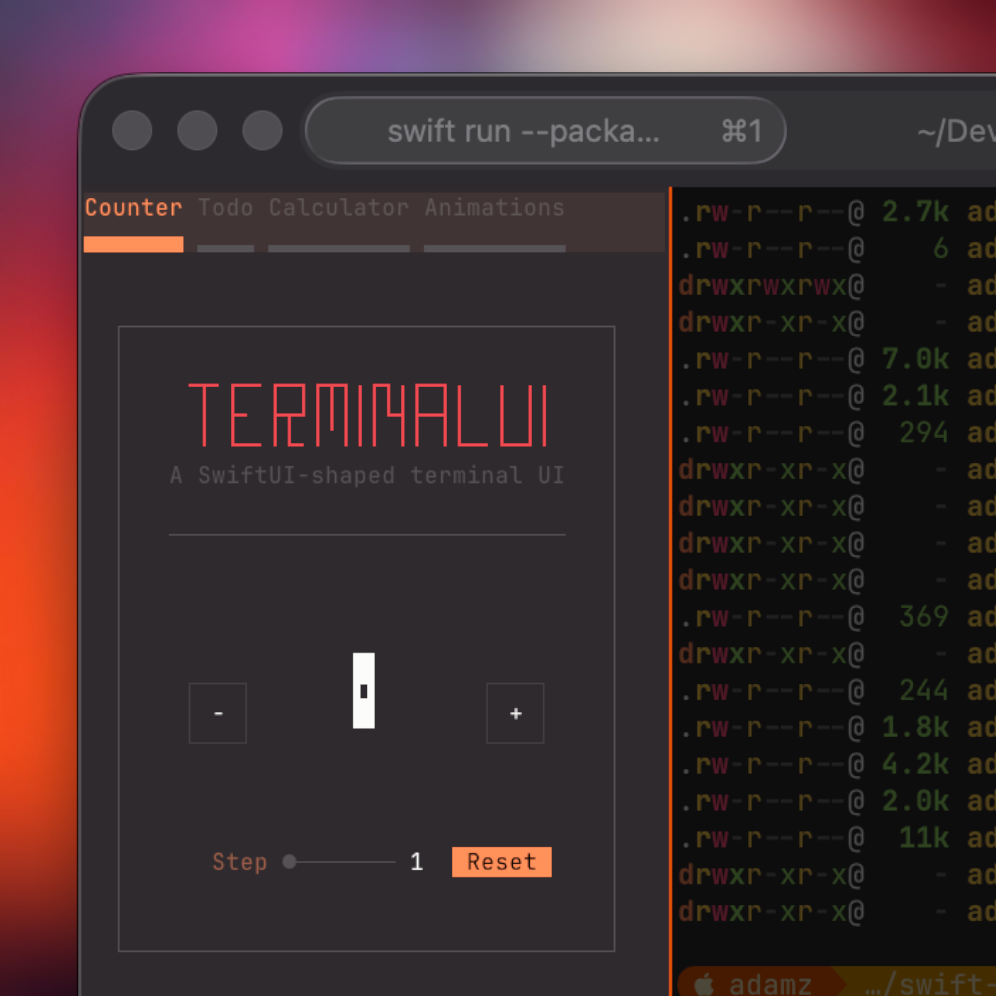
Terminal
SwiftTUICLIThe native substrate. ANSI / Kitty / Sixel are negotiated against the live terminal, with mouse and signals on by default.
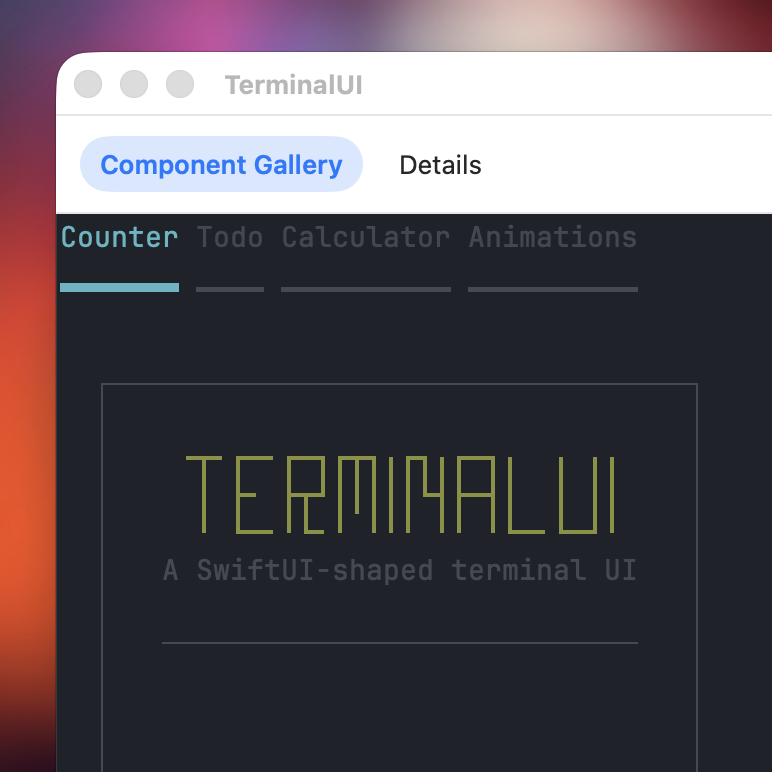
macOS
SwiftUIHostRetained inside a native SwiftUI window. Theme tokens swap at runtime; the authored views never branch on the host.
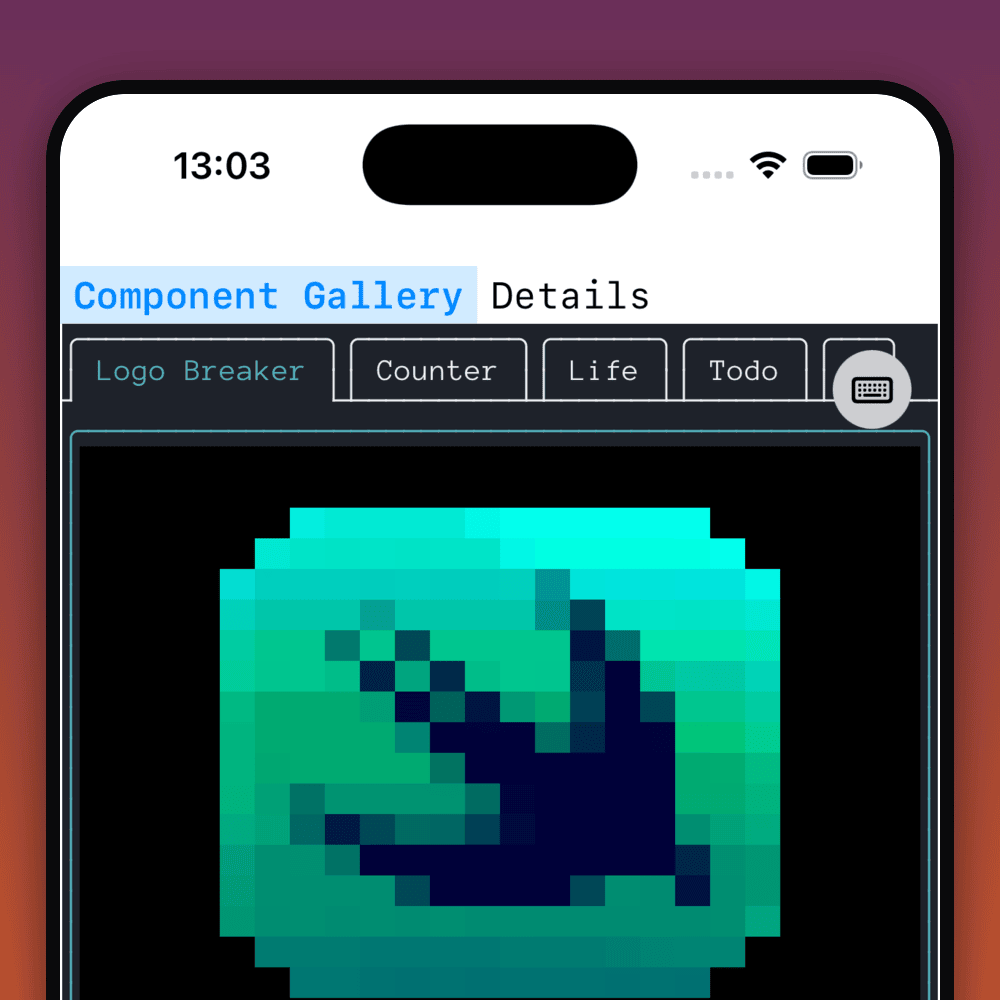
iOS
SwiftUIHostThe same scenes in a native iOS app shell, with touch panning, keyboard entry for focused text inputs, and a VoiceOver-readable semantic overlay.
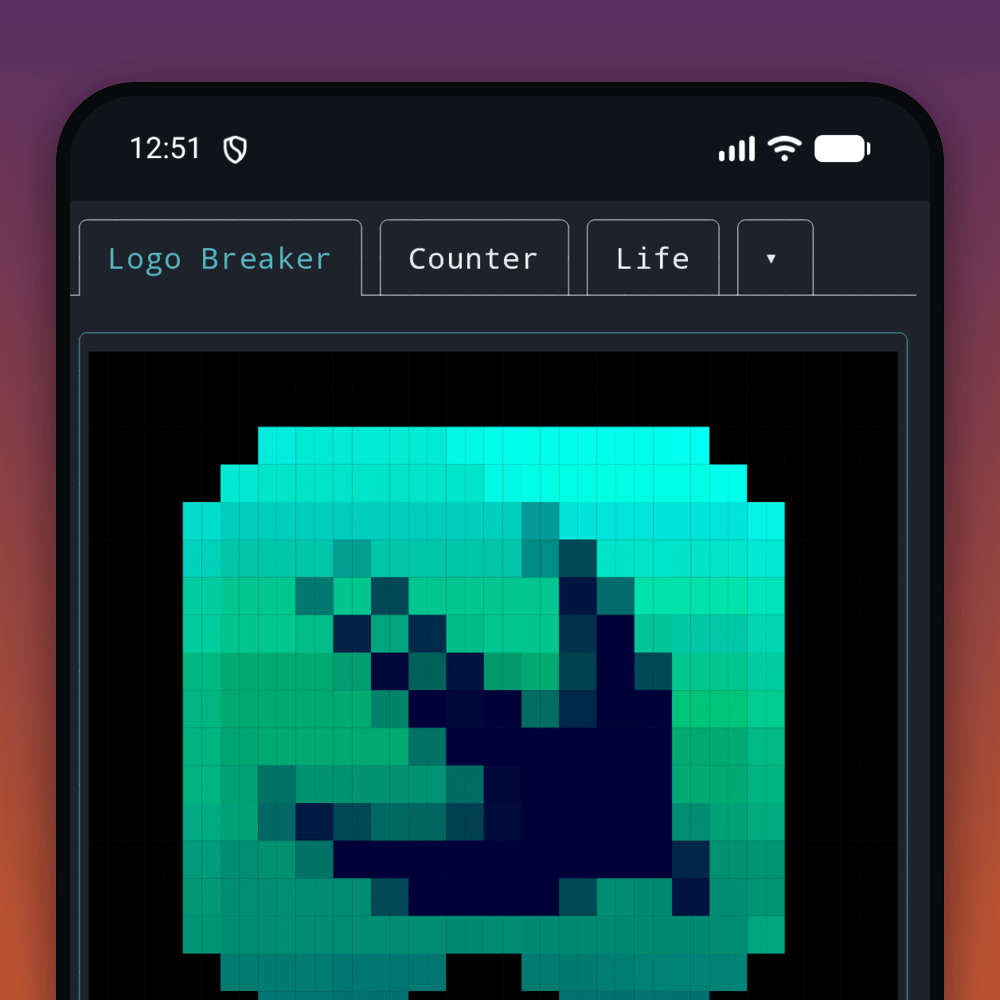
Android · arm64 preview
SwiftTUIAndroidHostSwift paints through Compose and JNI. An arm64 preview; its current limits are recorded on swift-tui-android.