
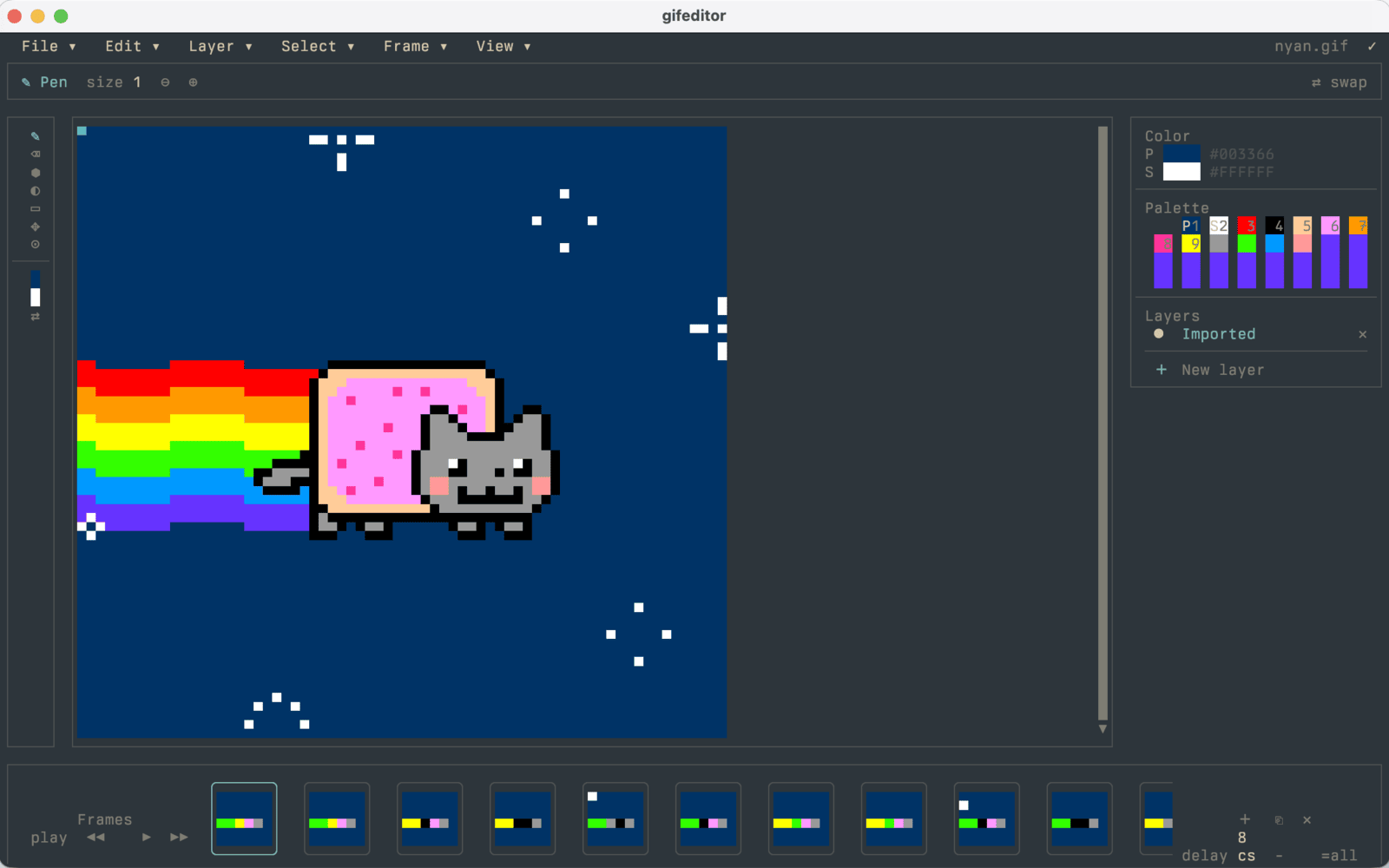
GIF Editor
A canvas. A timeline. A terminal.
Paint frames, compose layers, scrub the timeline, and undo your edits.
Drawing · pointer input · animation
View sourceBuild terminal apps with views, state, focus, and animation. Compile a native executable for macOS, Linux, or Windows.
A real SwiftTUI app, running live in your browser.
Starting the WASI runtime
The source and static site remain available.
@State private var count = 0

var body: some View {
  VStack(spacing: 1) {
    TextFigure("\(count)", font: .future)
    Button("Increment") { count += 1 }
  }
}
Change the state. SwiftTUI updates the view.
This minimal example leaves out the live counter’s ripple animation.Explore the demo source.
import SwiftTUI

struct CounterView: View {
  @State private var count = 0

  var body: some View {
    VStack(spacing: 1) {
      TextFigure("\(count)", font: .future)
        .frame(minWidth: 14, alignment: .center)
      Button("Increment") { count += 1 }
    }
    .frame(maxWidth: .infinity, maxHeight: .infinity)
  }
}

@main
struct CounterApp: App {
  var body: some Scene {
    WindowGroup("Counter") { CounterView() }
  }
}
01 / Built with SwiftTUI
These are maintained example apps. Explore the source, clone a repo, and run them yourself.
GIF Editor
Paint frames, compose layers, scrub the timeline, and undo your edits.
Drawing · pointer input · animation
View source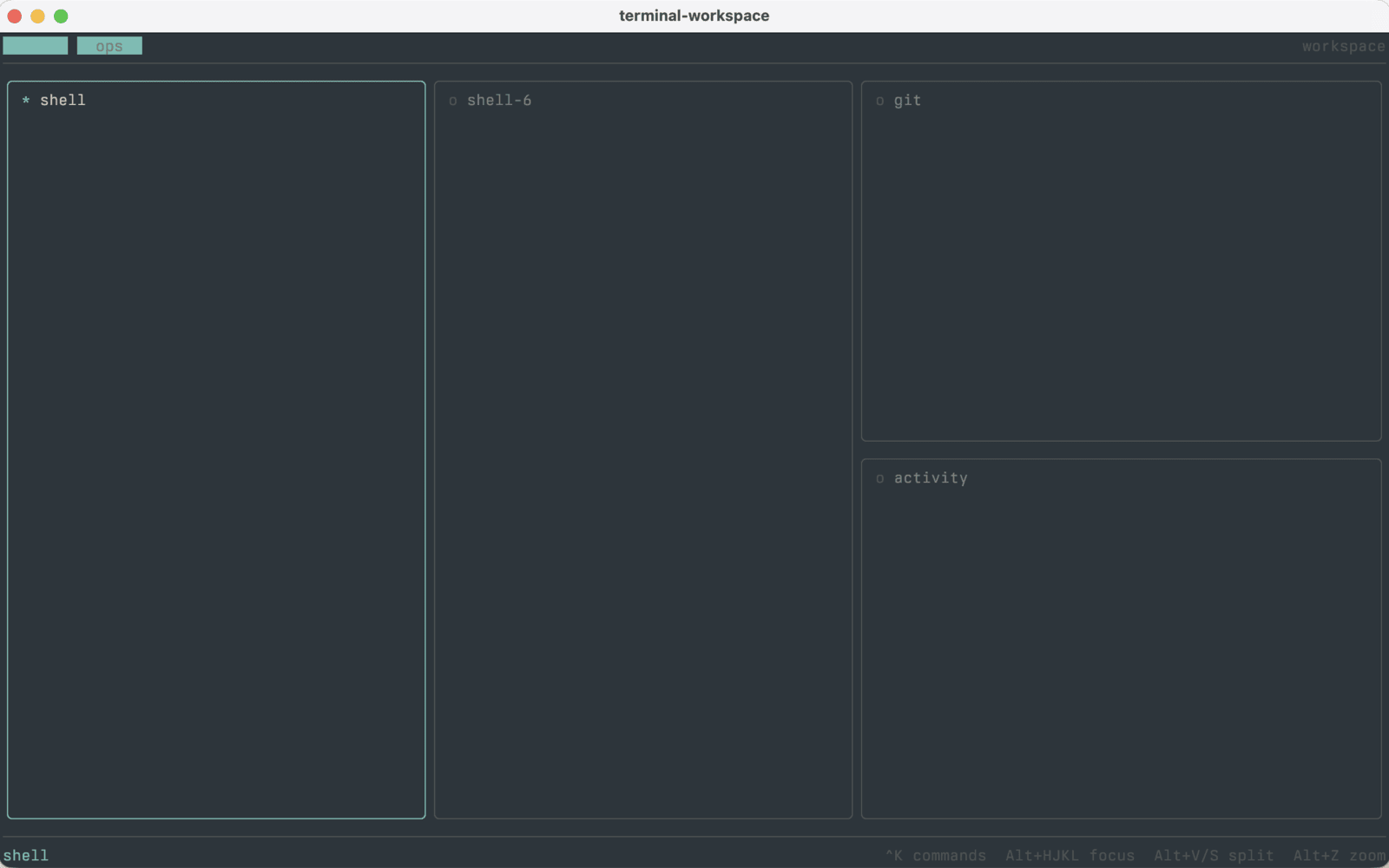
Terminal Workspace
Tabs and split panes around live shells, with a command palette to move between them.
Tabs · focus · embedded terminals
View source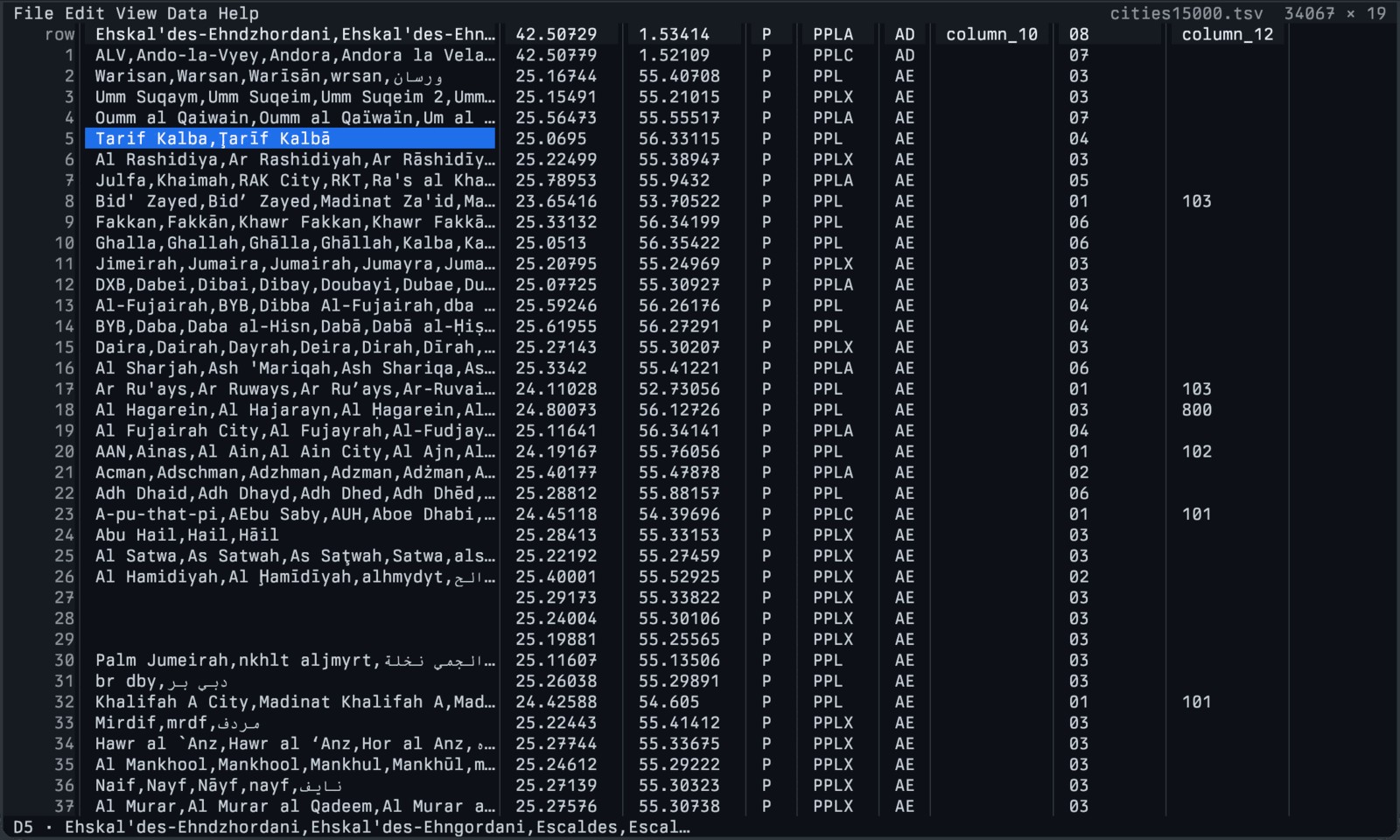
csvui
Browse and edit a 34,000-row table, with search, filtering, and sorting.
Tables · selection · scrolling
View source02 / The programming model
SwiftTUI connects state, layout, and input so your app can grow from one control to a whole workspace.
State → view → cells
Declare the view once. When tracked state changes, SwiftTUI updates dependent views and emits the terminal cells that changed.
Explore state and observationcount += 1@State countText("\(count)")The runtime handles invalidation and redraw.
Composition → workspace
Compose lists, tables, tabs, and scroll views. Keep focus with the active control and state with the view that owns it.
Explore layout and collectionsLayout illustration. Compose each region from views.
App → terminal session
Terminal capabilities are negotiated per session. Use richer color, images, and mouse input where supported, with explicit controls for simpler output.
Explore terminal behavior--no-color--ascii--reduce-motion
03 / Get started
Run the same counter locally with Swift 6.4 on macOS, Linux, or Windows.
git clone https://github.com/SwiftTUI/swift-tui-counter-demo.git
cd swift-tui-counter-demo
swift run --package-path counter counter
Space or a click increments.Ctrl-C restores your shell.
04 / Take your views further
Share state and actions across hosts, and adapt the interface for a keyboard, pointer, or touch.
Also available: an Android arm64 preview. See platform requirements andhow to adapt an interface to its host.
Community
Ask a question, share your app, or help shape the framework. Development happens in public.