
What you can build
A terminal interface can be a whole workspace.
Compose drawing, animation, editable collections, and focused controls. The same SwiftTUI tree can run in a terminal, a browser, or a native app, with interaction suited to its host.
Draw shapes. Compose images.
Build a custom shape from lines, Bézier curves, and arcs. Fill it with a color or gradient, stroke its outline, or use it to clip a subtree. Built-in circles account for the terminal's cell proportions.
Text("A clipped card")
  .frame(width: 24, height: 7)
  .background(Color.blue)
  .clipShape(RoundedRectangle(cornerRadius: 2))
Shape clips use cell-center coverage and intersect when nested. They affect drawing; use contentShape separately for hit testing. Custom paths can morph when their ordered segment kinds match.
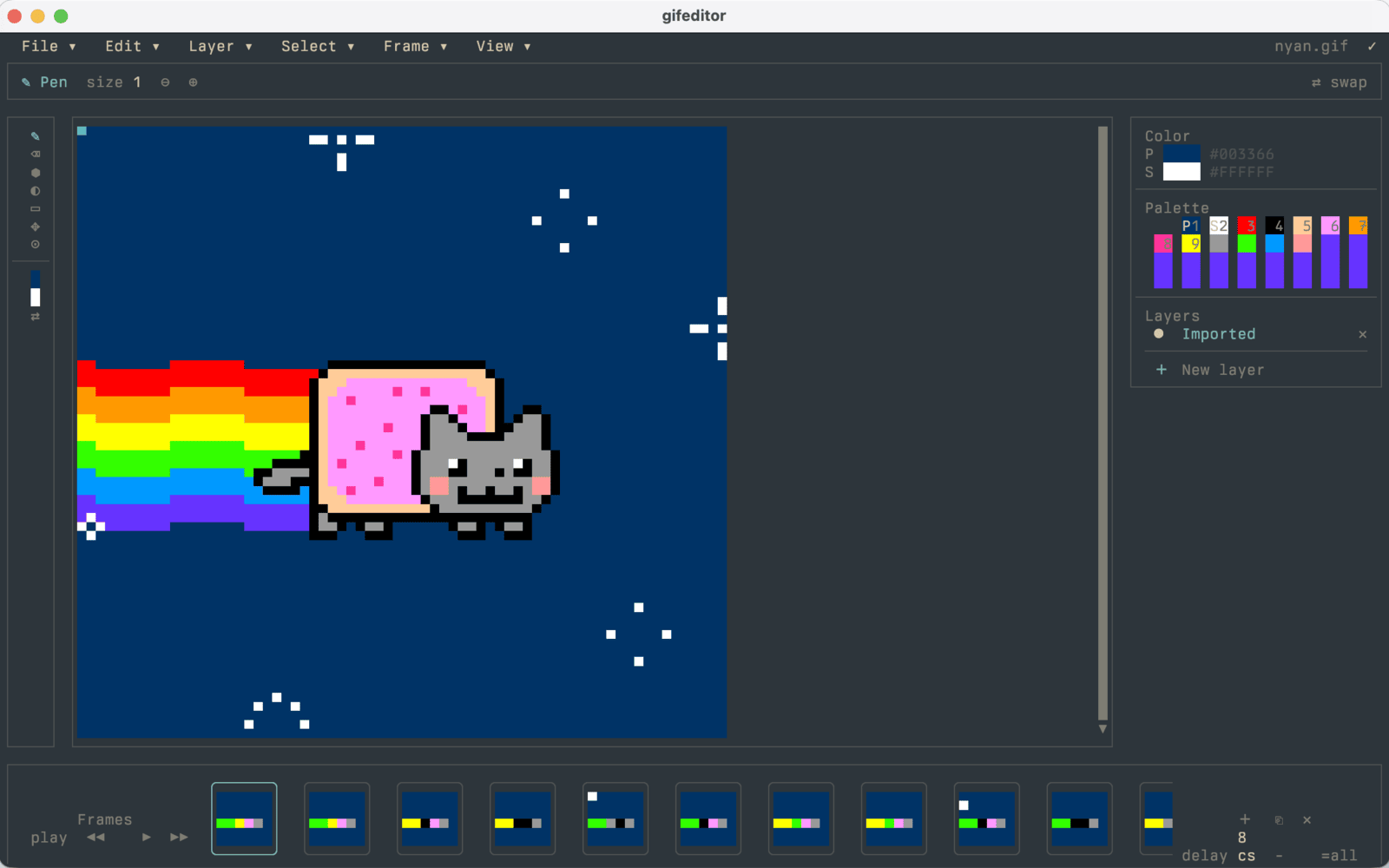
Layer images in authored order with opacity and blend modes. Decode an animated GIF or build frames in code, then choose one play, finite repeats, or continuous playback. A finite animation leaves its last frame visible; reduced motion uses a static first frame.
Shapes and pathsImages and GIF playback
Make a state change visible.
Use springs and timing curves for state changes, roll changing numbers, or choreograph an effect with phases and keyframes. Matched geometry carries an element between layouts and follows moving sources through nested content.
Text("\(count)")
  .contentTransition(.numericText())

Button("Increment") {
  withAnimation(.snappy) { count += 1 }
}
Animated insertion and removal fade by default. Choose an explicit transition to change that effect, or .transition(.identity) to suppress it. Scoped animation lets a foreground or tint change use its own timing without animating unrelated content.
Built-in effects settle when Reduce Motion is enabled, and completion callbacks still run. Design feedback that remains understandable with no animation: the count, status, or result should still be present.
Compose a scrolling workspace.
Put headers, conditional sections, and multiple data sources in a lazy stack. In a finite scroll viewport, eligible content is realized around the visible band. For row selection, editing controls, or aligned columns, use a data-backed List or Table.
ScrollView {
  LazyVStack(alignment: .leading) {
    Text("Pinned")
    ForEach(0..<4, id: \.self) { index in
      Text("Pinned item \(index)")
    }
    Divider()
    Text("History")
    ForEach(0..<1000, id: \.self) { index in
      Text("Event \(index)")
    }
  }
}
.frame(height: 12)
Nested scroll views keep independent content extents and hand unused wheel input outward at their boundaries. A finite viewport keeps its size even with short content, and scrolling does not change selection. Unbounded size proposals and content that needs exhaustive layout still realize the full content.
Tab switches preserve authored state and owned model references. View tasks stop while a tab is dormant and restart when it returns. Hoist a shared model when its lifetime must also survive removing the tab.
Scrolling and lazy contentLists and tablesTab state and lifetime
Keep behavior with the control.
Buttons, pickers, editors, menus, and presentations have open style protocols. Change their appearance while keeping focus, actions, accessible labels, and pointer routes. Use the public configuration and route helpers when building a custom style.
Arrow and Escape commands follow the focused hosting chain. Return .handled to consume one or .ignored to let it continue. Menus follow their source control, and each presentation keeps its own state and dismissal binding.
On touch surfaces, provide visible actions, room to tap, and scroll panning. The native SwiftUI host requests the keyboard for focused text inputs; a manual keyboard toggle is optional. Adapt navigation and layout within the shared tree instead of asking a phone user to drive a keyboard-only interface.
Browser surfaces paint to Canvas or DOM and expose a semantic accessibility tree. Native hosts have their own accessibility coverage and limits, documented alongside their integration APIs.